
Every website has a lead capture problem it’s ignoring.
The math is simple. A well-optimized contact form on a decent landing page converts 2–3% of visitors. On a good day. That means 97–98 out of every 100 people who cared enough to land on your site leave without giving you a way to follow up.
Most of them had a question your form couldn’t answer.
A lead generation chatbot is what fills that gap. It’s not a customer support tool. It’s not a chatbot in the “click a button to open a ticket” sense. It’s a small conversational widget that lives on your website, greets visitors, answers their questions in real time, and asks for their contact details at the moment they’re clearly interested in working with you.
Also called conversational lead capture or conversational lead generation, these tools do what a form fundamentally can’t — they hold a real conversation with the visitor before asking for anything.
This is the complete explainer. What a lead generation chatbot actually is. How the mechanics work. What it does that a form can’t. When it’s worth adding to your site — and when it’s not. And what to look for if you decide to try one.
What is a lead generation chatbot?
A lead generation chatbot is an AI-powered conversational tool that lives on your website with one job: turn website visitors into qualified leads through a real-time exchange.
The mechanics are simple. A small chat button appears in the corner of your site. A visitor clicks — or the widget opens automatically after a few seconds. A conversation begins. The bot answers their questions using knowledge about your business. It follows the visitor’s lead. And at the point where the visitor is clearly interested in working with you, the bot asks for their name and email so someone from your team can follow up personally.
That’s it.
The category has a few names, and they all describe roughly the same thing:
- Lead generation chatbot — the most common term —
- Conversational lead capture — emphasizes the capture mechanic
- Conversational lead generation — the broader marketing category
- AI lead capture — leans on the AI aspect
- Sales chatbot — some vendors use this
- Website chatbot (for sales, not support) — the generic term They’re the same tool. Different vocabulary, same job.
Two things a lead generation chatbot is NOT:
Not a customer support chatbot.
Support bots exist to close tickets. Lead generation chatbots exist to open sales conversations. Same technology, different job. A support bot answers “where’s my order?” A lead capture bot answers “does your service work for a business like mine?” and captures the visitor’s email when the answer is yes.
Not a live human on chat.
That’s the alternative — hire someone to sit on live chat and talk to visitors. Effective, and expensive. A lead generation chatbot gives you most of the benefit of live chat at a fraction of the cost, and it works around the clock.
How it works
Under the hood, a lead generation chatbot is three things working together: a widget, a knowledge base, and a set of instructions. Together they produce a real conversation with every visitor who lands on your site.
The widget. The chat button sits in the corner of your website. When a visitor clicks it — or when it opens automatically based on time-on-page or scroll depth — a chat window appears. The visitor types. The bot answers. Back and forth, like any conversation.
The knowledge base. What the bot draws on to answer questions. You feed it your website (auto-scraped by most modern tools), plus supporting docs — service brochures, price sheets, FAQs, common objections and how you handle them. If a visitor asks something your knowledge base covers, the bot answers. If they ask something outside it, the bot either says so honestly or hands off to a human.
The instructions. How you tell the bot to behave. Written in plain English. Not code, not decision trees. A short paragraph describes what the business does, who it’s for, and when the bot should ask for contact details. Something like: *”You are a helpful assistant for [Business Name]. Answer visitor questions naturally. When the visitor is clearly interested in working with us, ask for their name and email so we can follow up.”*
Those three pieces produce the conversation. What makes it feel real is one more thing: timing.
The Widget
The chat button on your website. Greets visitors, opens the conversation.
The Knowledge Base
What the bot knows about your business. Your site, docs, price sheets, FAQ.
The Instructions
How you tell the bot to behave. Plain English. No code, no flowcharts.
The single biggest lever in lead capture is when the bot asks for contact details.
— Too early — bot opens with “Hi! What’s your email?” Capture rate collapses.
— Too late — bot answers eight questions, doesn’t ask, visitor leaves. Zero captured.
— Right on time — visitor asks about pricing or availability, or says something like “how do I get started?” That’s the cue. The bot asks for their name and email so your team can follow up.
Get that timing right and capture rates change dramatically compared to a static form. For a deeper walkthrough on training and timing, see the complete guide to conversational lead generation.
Once a lead is captured, the bot fires a notification — usually email — so your team knows immediately. The full conversation transcript lands in the tool’s dashboard, ready to read.
What it does that a contact form can’t
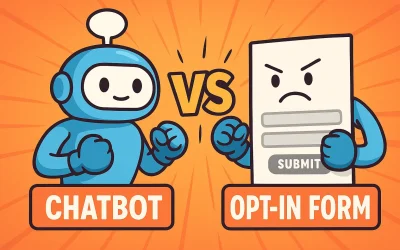
A contact form and a lead generation chatbot both collect visitor contact details. That’s about all they have in common.
A form is fixed. A chatbot adapts.
A form asks the same fields in the same order for every visitor. A chatbot follows the visitor’s lead — someone asking about pricing gets pricing, someone asking about credentials gets credentials.
A form asks first, answers never. A chatbot answers first, asks when trust is earned.
A form is a transaction: “give me your details, I’ll get back to you.” A chatbot is a conversation: it earns the right to ask.
A form caps at 2–3%. A well-tuned chatbot captures dramatically more.
The exact multiple varies by vertical, traffic quality, and how well the bot is trained — but the ceiling isn’t 2%. A conversation captures visitors that a form leaves cold.
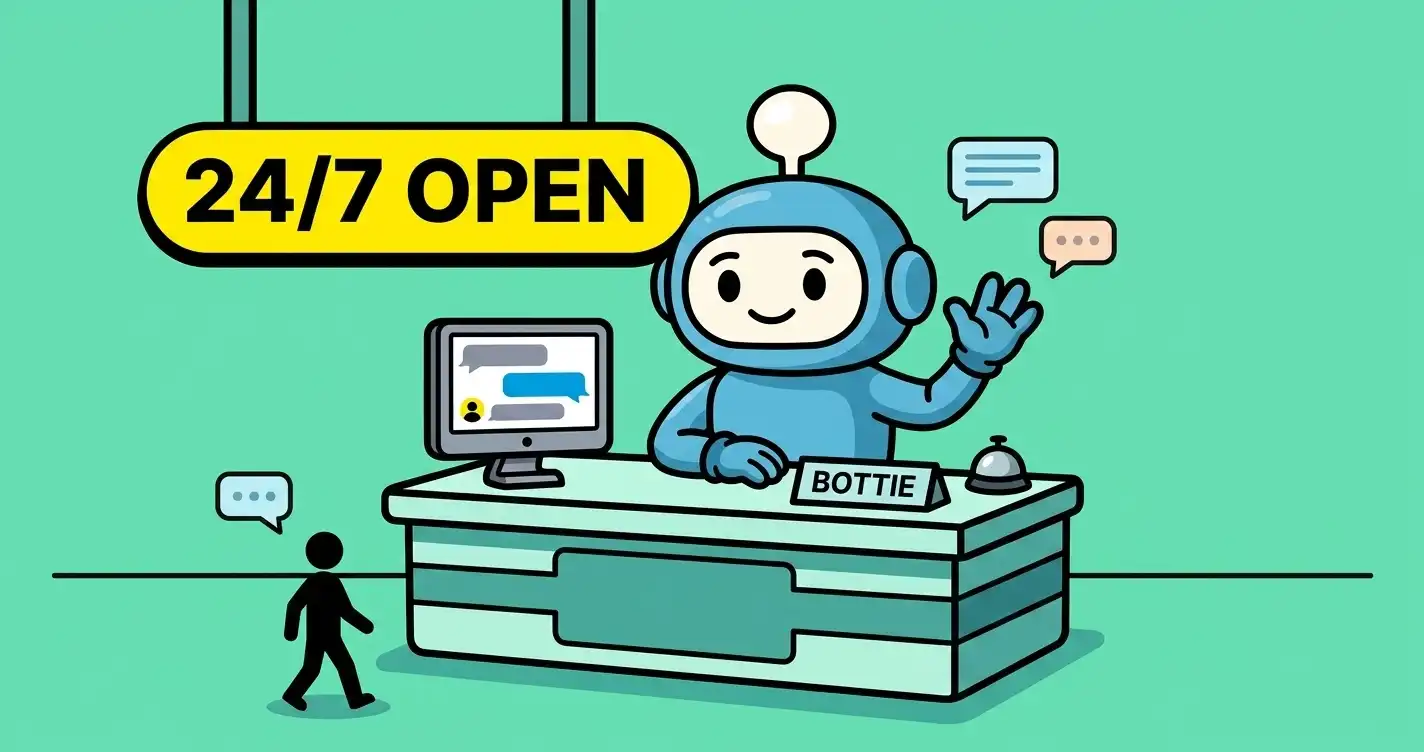
A form works only in business hours (effectively). A chatbot works at 3am on a Sunday.
Forms technically accept submissions 24/7, but they don’t answer, don’t respond, don’t capture leads whose interest fades in the hours before you reply. A chatbot answers immediately, at any hour.
| Comparison | Contact Form | Chatbot |
|---|---|---|
| Behavior | Fixed for all visitors | Adapts to each visitor |
| Ask timing | Asks first, doesn't answer | Answers first, asks when trust is earned |
| Conversion rate | Caps at 2–3% | Dramatically higher when tuned |
| Off-hours | Accepts submissions, doesn't engage | Real conversation at any hour |
| Follow-up quality | Name and email only | Full transcript of what they cared about |
Real examples across verticals
Bookkeeping firm. Visitor lands on the services page. Asks the bot “do you handle S-Corps?” Bot confirms, asks about business size and timeline, offers a free consultation link. Captures the lead. Total elapsed time: 90 seconds. A form would have said none of this.
HVAC contractor. 2am, visitor lands on the site with a broken furnace. Asks the bot “do you do emergency repairs in [city]?” Bot confirms the service area, asks for name, phone, and address, and tags the lead as “urgent” in the dashboard. Notification hits the on-call tech’s phone.
Marketing consultant. Visitor is researching SEO help. Bot answers a few questions about scope and pricing, qualifies the visitor by asking about monthly revenue and current traffic, then offers a discovery call link. Only qualified leads make it through to the calendar.
Coaching business. Visitor asks “what’s your approach?” Bot answers, then asks what’s going on in the visitor’s life or business. Captures the emotional context that would never make it into a contact form.
When a lead generation chatbot is worth it
- You get more inbound traffic than you can personally chat with
- Your prospects have real questions before they'd feel comfortable handing over contact details
- You lose leads to competitors who respond faster
- You want to capture leads outside business hours
- Your contact form is converting under 3% and you know it's a ceiling
- You install lead capture tools on client sites and want a single tool that covers multiple clients
- Your site converts on impulse purchases where visitors don't ask questions
- You have very little inbound website traffic (fix the traffic first)
- You already have a full-time human on live chat who converts well
- Your industry expects a formal quote/RFP process where a conversation adds friction
What to look for in a lead generation chatbot
If you’re evaluating options, here’s what actually matters — and what’s noise.
— Trains in plain English, not flowcharts. You should be able to describe the bot’s job in a short paragraph. If the tool requires you to draw decision trees, walk away.
— Auto-scrapes your website as a starting knowledge base. Manually uploading every page is death. The tool should crawl your site and use every page as training data on day one.
— Uploads for supporting docs (PDFs, service sheets, FAQ files). Anything a smart new hire would need to close a sale.
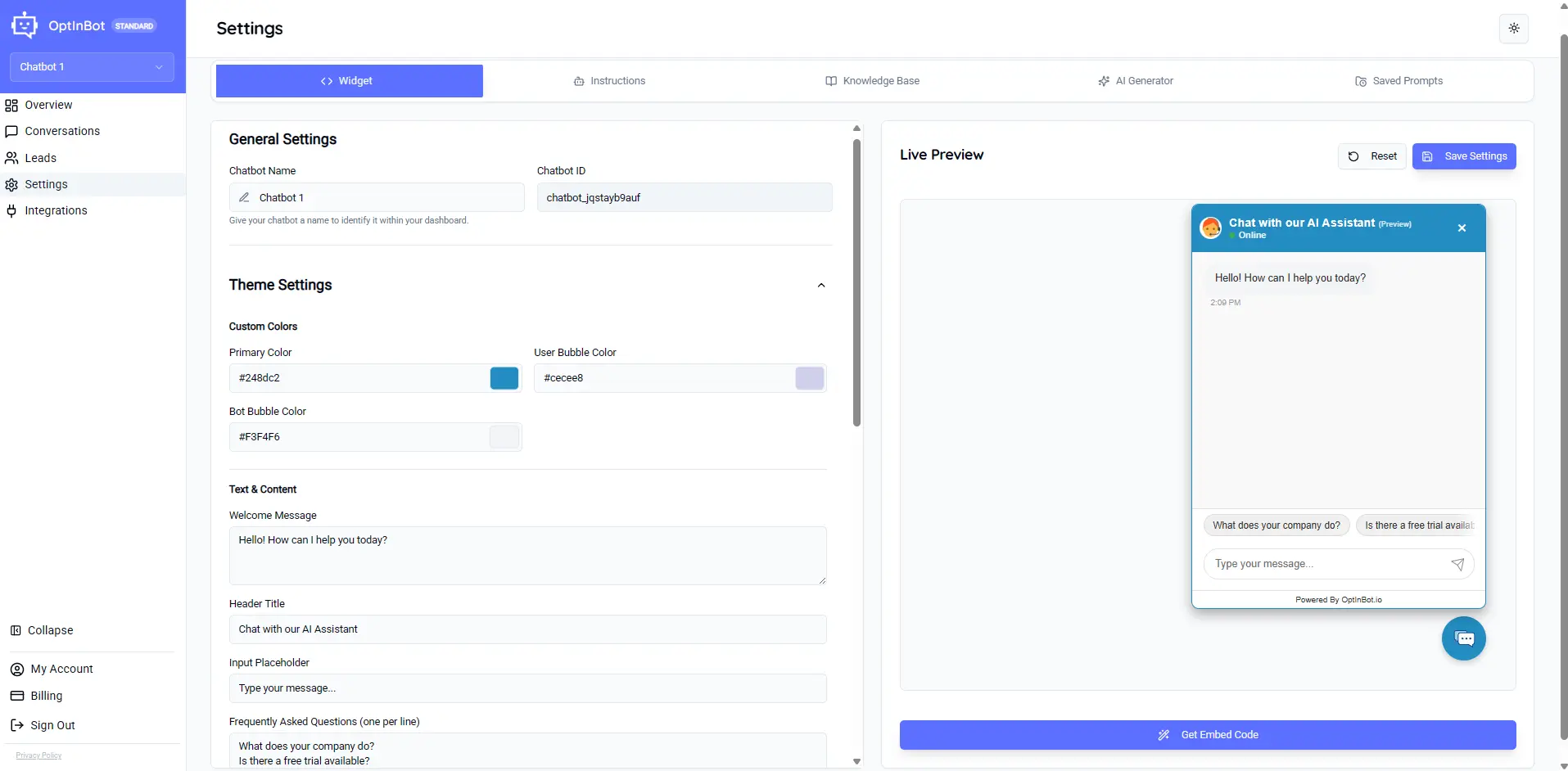
— Live preview. You should be able to test conversations before pushing changes live.
— Full transcripts of every conversation. Not summaries — the actual back-and-forth. This is your tuning signal.
— Ratings loop (thumbs up/down + comments). Real visitors telling you what’s landing and what isn’t.
— Notifications — email or Slack the moment a lead is captured. Speed to response is one of the biggest predictors of whether a lead converts.
— Fair pricing. Enterprise chatbot platforms charge $10K/year with annual contracts. Tools priced for small business (like OptinBot at $25/month for three chatbots) exist. You don’t need enterprise pricing to get enterprise-quality conversation.
— One-line install. Copy a script tag, paste in your site’s HTML. If installation requires a developer, walk away.
How to set one up
-
1
Pick a tool
Enterprise platforms bill $10K/year with annual contracts. Focused tools like OptinBot cost $25/month for three chatbots. Pick what fits.
-
2
Point it at your website
Every serious tool auto-scrapes your site — services, pricing, about, FAQ — as a starting knowledge base.
-
3
Upload the supporting docs
Anything a smart new hire would need to close a sale. Price sheets, case studies, common objections. Not brand guidelines or HR policy — operational content only. The full list of what to upload and what to skip is in why AI chatbots don't capture leads.
-
4
Write your instructions in plain English
Short paragraph. What the business does, when to ask for contact details, what disqualifies a visitor.
-
5
Customize the widget
Color, welcome message, avatar. A specific greeting outperforms a generic one every time.
-
6
Test it live
Open the widget preview and act like a visitor. Dumb questions, hostile questions, off-topic questions. Rewrite until it feels right. For the full training walkthrough, see how to train an AI chatbot to qualify leads without coding.
-
7
Install one line of code
Every serious lead capture bot installs with a single script tag. WordPress users can follow the WordPress-specific walkthrough.
-
8
Publish
Widget goes live. Conversations start. Leads land in your dashboard.
That’s it. One hour, no developer, no annual contract.
Common questions
Are lead generation chatbots the same as customer support chatbots?
No. Support bots exist to close tickets — they answer “where’s my order” and route service requests. Lead generation chatbots exist to open sales conversations — they answer questions from prospective customers and capture contact details when interest is high.
Do lead generation chatbots replace my sales team?
No. They replace your contact form. A lead generation chatbot captures qualified leads and hands them to your sales team with a full conversation transcript already attached — so your team follows up with real context, not just a name and email.
How much does a lead generation chatbot cost?
Enterprise chatbot platforms bill $10K/year with annual contracts. Small-business focused tools like OptinBot cost $25/month for up to three chatbots. Free trials are common — 14 days is a good baseline.
How long does it take to set one up?
About an hour for a working bot, plus 15 minutes a week of transcript review to tune it. No developer required.
Do I need coding skills to build a lead generation chatbot?
No. Modern tools train in plain English (write instructions like you’re briefing a new hire) and install with one line of code you paste into your site’s HTML.